Product description
Product Description
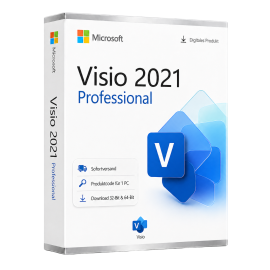
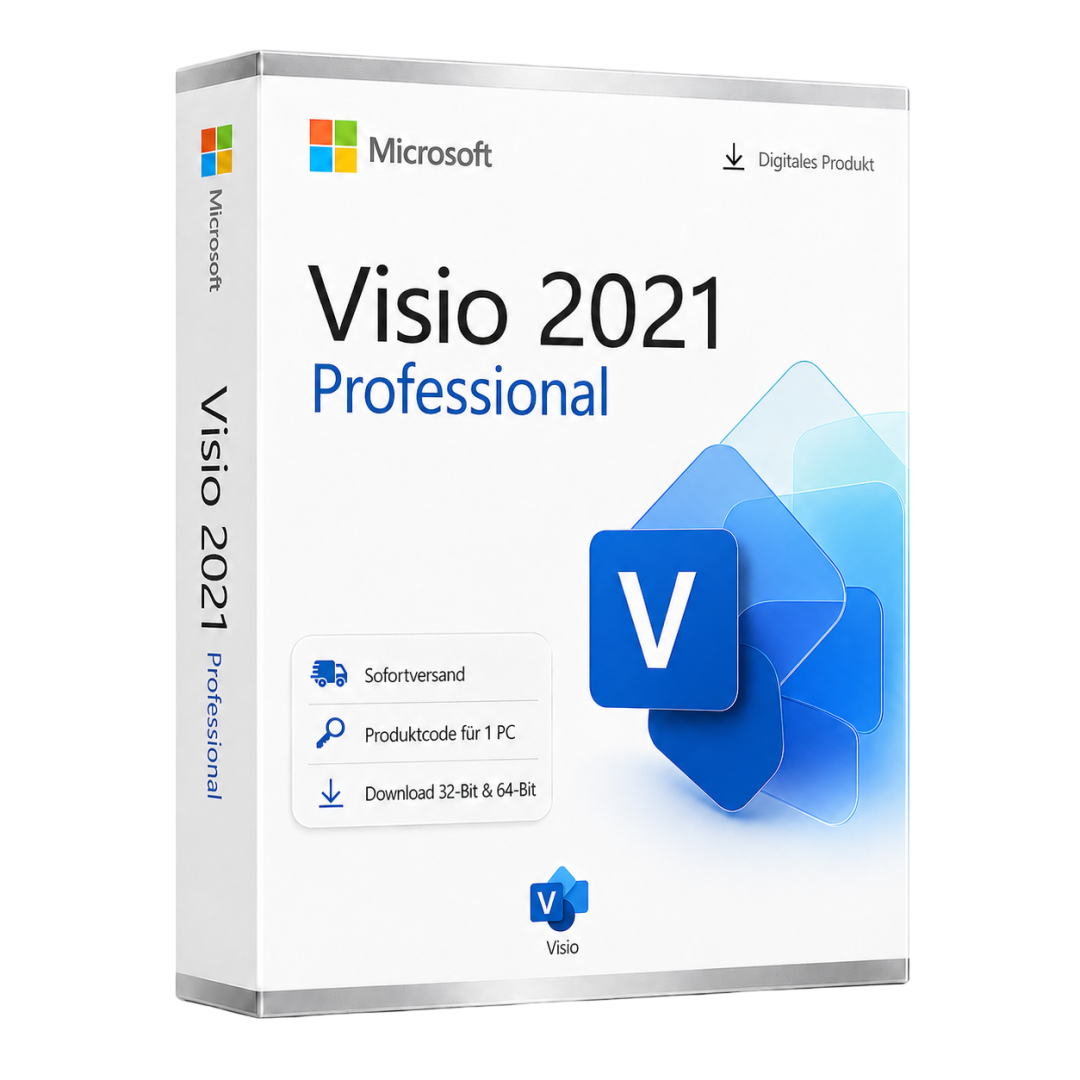
Microsoft Visio 2021 Professional is a comprehensive software solution designed for professionals who need to create diagrams and visualizations. This version offers a wide range of features that enable users to represent complex information easily and effectively. Visio 2021 enhances communication and supports decision-making processes by providing visual representations of data and workflows.
This product is a retail version without subscription binding, allowing users to purchase the software once and use it indefinitely. It includes various templates and shapes specifically designed for different industries and use cases, facilitating the diagram creation process.
Key features include the ability to create flowcharts, organizational charts, network diagrams, and many other types of diagrams. Users can also create and customize their own templates to meet specific requirements. Integration with other Microsoft applications ensures a seamless workflow and enhances team collaboration.
Main Features
- Create flowcharts, organizational charts, and network diagrams
- Diverse templates and shapes for various industries
- Integration with Microsoft 365 for enhanced collaboration
- Advanced customization options for diagrams
- Easy export to various formats, including PDF and PNG
Who is this product suitable for?
Microsoft Visio 2021 Professional is aimed at professionals who need visual representations to communicate complex information.
- Project managers looking to visualize workflows
- IT professionals needing to represent network architectures
- Businesses that require clear and precise diagrams for presentations
Technical Details
| Feature | Details |
|---|---|
| Manufacturer | Microsoft |
| Edition | Visio |
| Version | 2021 |
| Platform | PC, Windows |
System Requirements
| Component | Requirement |
|---|---|
| Operating System | Windows 10 or Windows 11 |
| Processor | Dual-core with 1.6 GHz or faster |
| RAM | 4 GB (8 GB recommended) |
| Hard Disk Space | 4 GB available |
| Screen Resolution | At least 1280 x 768 pixels |
| Graphics | DirectX 9 compatible |
| Internet Connection | Required for activation |
Delivery and Activation
- Product Code Access: The digital product code will be sent via email after payment confirmation and is also accessible in your customer account (or guest portal).
- Download: Software download link will be provided after purchase.
- Activation Guide: A detailed step-by-step guide for activation will be sent via email and is available in your customer account/guest portal.
- Included: Product key, download link, activation guide.
- Note: Digital product only, no physical media (no USB stick, no DVD).
Frequently Asked Questions
How do I receive my product code?
The product code will be emailed upon payment confirmation and is also available in your customer account (or guest portal for guests). The activation guide and download link are also provided there.
How does the activation work?
Follow the provided step-by-step guide. You will download the software and activate it using the received product key.
Note: technikcenter24.com operates as an independent retailer of software licenses. This specialization allows us to offer you genuine activation keys at particularly attractive conditions.
Latest version
Benefit from current features and improvements.
Productive & efficient
Intuitive, fast and perfectly matched to your workflow.
Compatible
Fully compatible with current Windows versions.
Use offline
Work anytime without an internet connection.
Pay once
No subscriptions, no follow-up costs - the license is yours.
Secure activation
100% original - Microsoft-authorized and usable worldwide.
शिपिंग लागत: नि:शुल्क (डिजिटल)
डिलीवरी सामग्री: उत्पाद कोड और सॉफ़्टवेयर डाउनलोड
स्थिति: नया
उपलब्धता: तुरंत उपलब्ध
SKU: 00889842336252
आइटम नंबर: 265
प्रकार: Product Code
ब्रांड: Microsoft
क्षेत्र:
 Global
प्लेटफ़ॉर्म:
 PC
PC Windows
Important download information
All downloads provided here are trial versions until activation and require a valid license. Activate the software with your purchased product code, as described in the "Installation & Activation" tab.
Microsoft Visio 2021 Professional (x86)
Offizielle Installationsdatei - 32-Bit Version
Microsoft Visio 2021 Professional (x86)
Offizielle Installationsdatei - 32-Bit Version
Microsoft Visio 2021 Professional (x64)
Offizielle Installationsdatei - 64-Bit Version
इस उत्पाद के लिए वर्तमान में कोई स्थापना गाइड उपलब्ध नहीं है।
कुछ समीक्षाएँ स्वचालित रूप से अनुवादित की गई हो सकती हैं।
कोई समीक्षा नहीं
समीक्षा लिखें
Product Description
Microsoft Visio 2021 Professional is a comprehensive software solution designed for professionals who need to create diagrams and visualizations. This version offers a wide range of features that enable users to represent complex information easily and effectively. Visio 2021 enhances communication and supports decision-making processes by providing visual representations of data and workflows.
This product is a retail version without subscription binding, allowing users to purchase the software once and use it indefinitely. It includes various templates and shapes specifically designed for different industries and use cases, facilitating the diagram creation process.
Key features include the ability to create flowcharts, organizational charts, network diagrams, and many other types of diagrams. Users can also create and customize their own templates to meet specific requirements. Integration with other Microsoft applications ensures a seamless workflow and enhances team collaboration.
Main Features
- Create flowcharts, organizational charts, and network diagrams
- Diverse templates and shapes for various industries
- Integration with Microsoft 365 for enhanced collaboration
- Advanced customization options for diagrams
- Easy export to various formats, including PDF and PNG
Who is this product suitable for?
Microsoft Visio 2021 Professional is aimed at professionals who need visual representations to communicate complex information.
- Project managers looking to visualize workflows
- IT professionals needing to represent network architectures
- Businesses that require clear and precise diagrams for presentations
Technical Details
| Feature | Details |
|---|---|
| Manufacturer | Microsoft |
| Edition | Visio |
| Version | 2021 |
| Platform | PC, Windows |
System Requirements
| Component | Requirement |
|---|---|
| Operating System | Windows 10 or Windows 11 |
| Processor | Dual-core with 1.6 GHz or faster |
| RAM | 4 GB (8 GB recommended) |
| Hard Disk Space | 4 GB available |
| Screen Resolution | At least 1280 x 768 pixels |
| Graphics | DirectX 9 compatible |
| Internet Connection | Required for activation |
Delivery and Activation
- Product Code Access: The digital product code will be sent via email after payment confirmation and is also accessible in your customer account (or guest portal).
- Download: Software download link will be provided after purchase.
- Activation Guide: A detailed step-by-step guide for activation will be sent via email and is available in your customer account/guest portal.
- Included: Product key, download link, activation guide.
- Note: Digital product only, no physical media (no USB stick, no DVD).
Frequently Asked Questions
How do I receive my product code?
The product code will be emailed upon payment confirmation and is also available in your customer account (or guest portal for guests). The activation guide and download link are also provided there.
How does the activation work?
Follow the provided step-by-step guide. You will download the software and activate it using the received product key.
Note: technikcenter24.com operates as an independent retailer of software licenses. This specialization allows us to offer you genuine activation keys at particularly attractive conditions.
Microsoft
Microsoft Visio 2021 Professional - 32/64 Bit
PC, Windows - Lifetime license
Microsoft Visio 2021 Professional is a powerful software solution for creating diagrams and visualizations. This version caters to professionals who want to visually represent complex information for better ...
252,45 RM
19% VAT सहित · तुरंत डिलीवरी
ब्रांड:
Microsoft
प्रकार:
code
Delivery:
Digital instant delivery
Region:
Global
- Lifetime license - no subscription, no follow-up costs
- For 1 PC - activation on one Windows device
- All Office apps in the latest version
- Instant email delivery with download link
- Regular security and quality updates
आपके क्षेत्र में सक्रिय किया जा सकता है
Instant download
Digital product key
तुरंत उपलब्ध
Delivery in 5 minutes







Secure payment & SSL encryption
technikcenter24.com
32 वर्तमान दृश्य
9 कार्ट में