Product description
Product Description
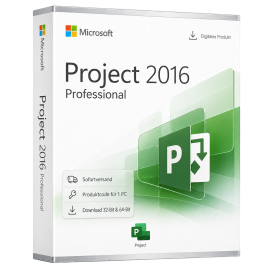
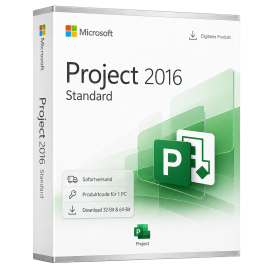
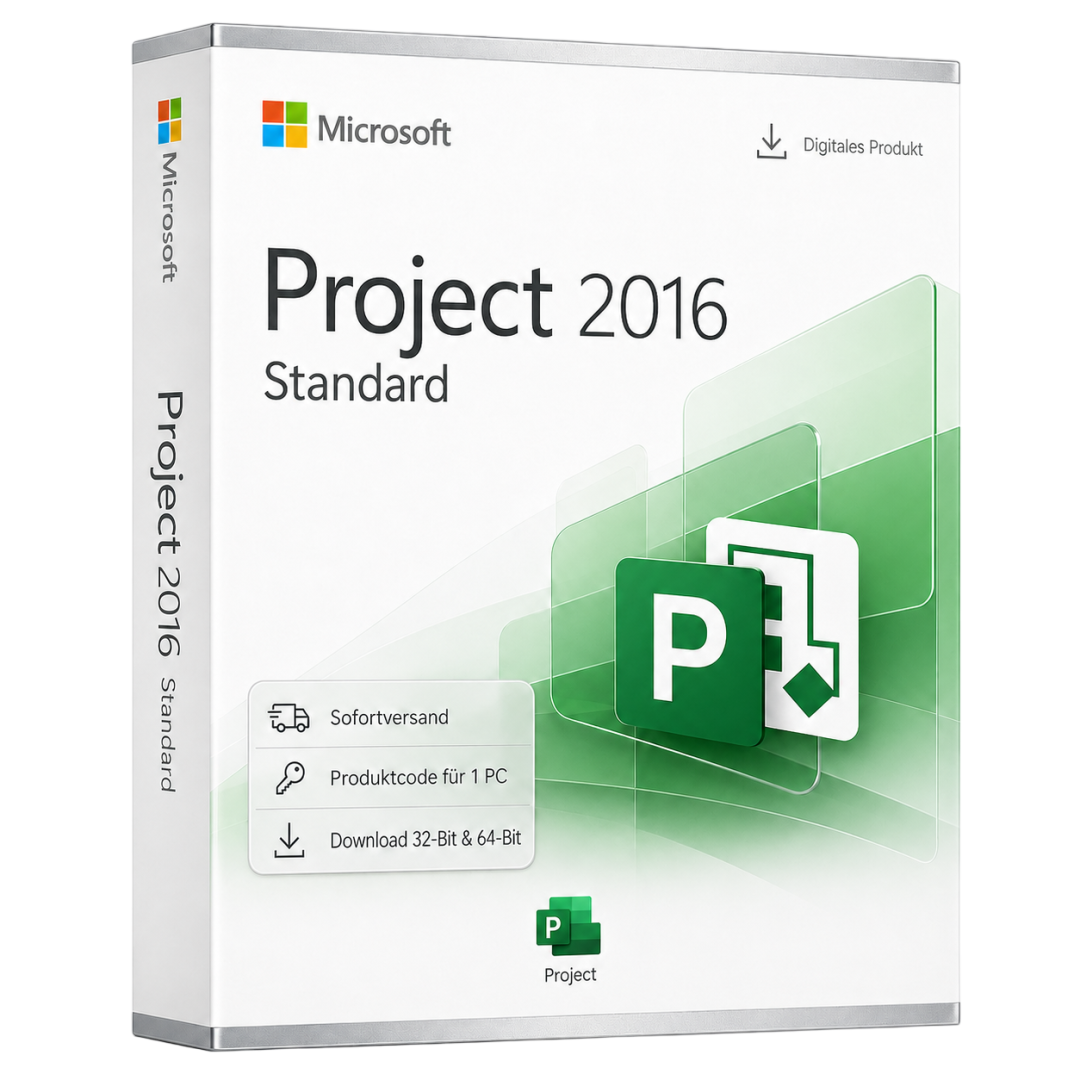
Microsoft Project 2016 Standard is a comprehensive project management software solution tailored for professionals and businesses seeking efficient project planning and management. With this software, users can create schedules, manage resources, and monitor project progress in real time. Microsoft Project 2016 Standard features a user-friendly interface that allows users to quickly and easily access all essential functionalities.
This is a retail product code with no subscription commitment. The software is delivered digitally, enabling users to get started immediately.
The core features of Microsoft Project 2016 Standard include Gantt charts for visualizing project timelines, resource assignment capabilities, and task management. These features help to enhance efficiency and improve team collaboration.
Main Features
- Gantt charts for visualizing project timelines
- Task management for organizing project activities
- Resource planning for optimal team member allocation
- Reporting for analyzing project progress
- Integration with other Microsoft Office applications
Who is this Product Suitable For?
Microsoft Project 2016 Standard is designed for project managers, team leaders, and businesses looking to enhance their project management skills.
- Project managers handling complex projects
- Team leaders aiming to improve team collaboration
- Businesses seeking to utilize their resources more efficiently
Technical Details
| Feature | Details |
|---|---|
| Manufacturer | Microsoft |
| Edition | Project |
| Version | 2016 |
| Platform | PC, Windows |
| Region | Global |
System Requirements
| Component | Requirement |
|---|---|
| Operating System | Windows 10 or Windows 11 |
| Processor | Dual-Core with 1.6 GHz or faster |
| RAM | 4 GB (8 GB recommended) |
| Hard Disk Space | 4 GB available |
| Screen Resolution | Minimum 1280 x 768 pixels |
| Graphics | DirectX 9 compatible |
| Internet Connection | Required for activation |
Delivery and Activation
- Product Code Access: The digital product code will be sent via email after payment is received and is also accessible in your customer account (or guest portal).
- Download: Software download link will be provided after purchase.
- Activation Guide: A detailed step-by-step guide for activation will be sent via email and is available in the customer account/guest portal.
- Included: Product key, download link, activation guide.
- Note: Purely digital product without physical media (no USB stick, no DVD).
Frequently Asked Questions
How do I receive my product code?
The product code will be sent via email after payment is received and is also available in your customer account (or guest portal for guests). The activation guide and download link are also stored there.
How does activation work?
Follow the provided step-by-step guide. You will download the software and activate it using the received product key.
Note: technikcenter24.com operates as an independent retailer for software licenses. This specialization allows us to offer you original activation keys at particularly attractive prices.
Latest version
Benefit from current features and improvements.
Productive & efficient
Intuitive, fast and perfectly matched to your workflow.
Compatible
Fully compatible with current Windows versions.
Use offline
Work anytime without an internet connection.
Pay once
No subscriptions, no follow-up costs - the license is yours.
Secure activation
100% original - Microsoft-authorized and usable worldwide.
Вартість доставки: Безкоштовно (Цифровий)
Склад доставки: Код продукту & Завантаження програмного забезпечення
Стан: Новий
Наявність: Доступно відразу
SKU: 0885370991598
Артикул: 240
Тип: Product Code
Бренд: Microsoft
Регіон:
 Global
Платформа:
 PC
PC Windows
Important download information
All downloads provided here are trial versions until activation and require a valid license. Activate the software with your purchased product code, as described in the "Installation & Activation" tab.
No downloads are currently available for this product.
No installation guide is currently available for this product.
Some reviews may have been automatically translated.
Ще немає відгуків
Написати відгук
Product Description
Microsoft Project 2016 Standard is a comprehensive project management software solution tailored for professionals and businesses seeking efficient project planning and management. With this software, users can create schedules, manage resources, and monitor project progress in real time. Microsoft Project 2016 Standard features a user-friendly interface that allows users to quickly and easily access all essential functionalities.
This is a retail product code with no subscription commitment. The software is delivered digitally, enabling users to get started immediately.
The core features of Microsoft Project 2016 Standard include Gantt charts for visualizing project timelines, resource assignment capabilities, and task management. These features help to enhance efficiency and improve team collaboration.
Main Features
- Gantt charts for visualizing project timelines
- Task management for organizing project activities
- Resource planning for optimal team member allocation
- Reporting for analyzing project progress
- Integration with other Microsoft Office applications
Who is this Product Suitable For?
Microsoft Project 2016 Standard is designed for project managers, team leaders, and businesses looking to enhance their project management skills.
- Project managers handling complex projects
- Team leaders aiming to improve team collaboration
- Businesses seeking to utilize their resources more efficiently
Technical Details
| Feature | Details |
|---|---|
| Manufacturer | Microsoft |
| Edition | Project |
| Version | 2016 |
| Platform | PC, Windows |
| Region | Global |
System Requirements
| Component | Requirement |
|---|---|
| Operating System | Windows 10 or Windows 11 |
| Processor | Dual-Core with 1.6 GHz or faster |
| RAM | 4 GB (8 GB recommended) |
| Hard Disk Space | 4 GB available |
| Screen Resolution | Minimum 1280 x 768 pixels |
| Graphics | DirectX 9 compatible |
| Internet Connection | Required for activation |
Delivery and Activation
- Product Code Access: The digital product code will be sent via email after payment is received and is also accessible in your customer account (or guest portal).
- Download: Software download link will be provided after purchase.
- Activation Guide: A detailed step-by-step guide for activation will be sent via email and is available in the customer account/guest portal.
- Included: Product key, download link, activation guide.
- Note: Purely digital product without physical media (no USB stick, no DVD).
Frequently Asked Questions
How do I receive my product code?
The product code will be sent via email after payment is received and is also available in your customer account (or guest portal for guests). The activation guide and download link are also stored there.
How does activation work?
Follow the provided step-by-step guide. You will download the software and activate it using the received product key.
Note: technikcenter24.com operates as an independent retailer for software licenses. This specialization allows us to offer you original activation keys at particularly attractive prices.
Microsoft
Microsoft Project 2016 Standard
PC, Windows - Lifetime license
Microsoft Project 2016 Standard is a powerful project management software solution designed for professionals and businesses aiming to plan and manage their projects efficiently. This digital product code al...
156,78 лв
Включає %19% ПДВ · Миттєва доставка
Бренд:
Microsoft
Тип:
code
Delivery:
Digital instant delivery
Region:
Global
- Lifetime license - no subscription, no follow-up costs
- For 1 PC - activation on one Windows device
- All Office apps in the latest version
- Instant email delivery with download link
- Regular security and quality updates
Can be activated in your region
Instant download
Digital product key
Доступно відразу
Delivery in 5 minutes







Secure payment & SSL encryption
technikcenter24.com
41 Переглядають зараз
4 У кошиках