Product description
Product Description
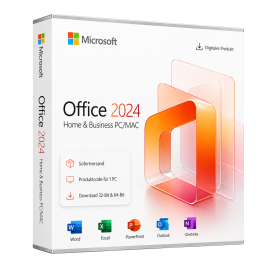
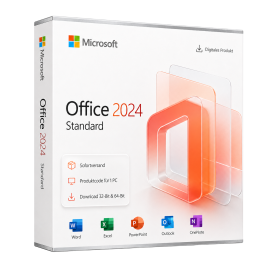
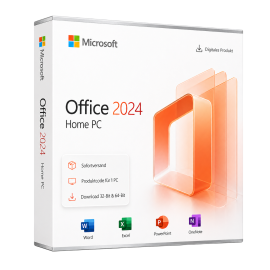
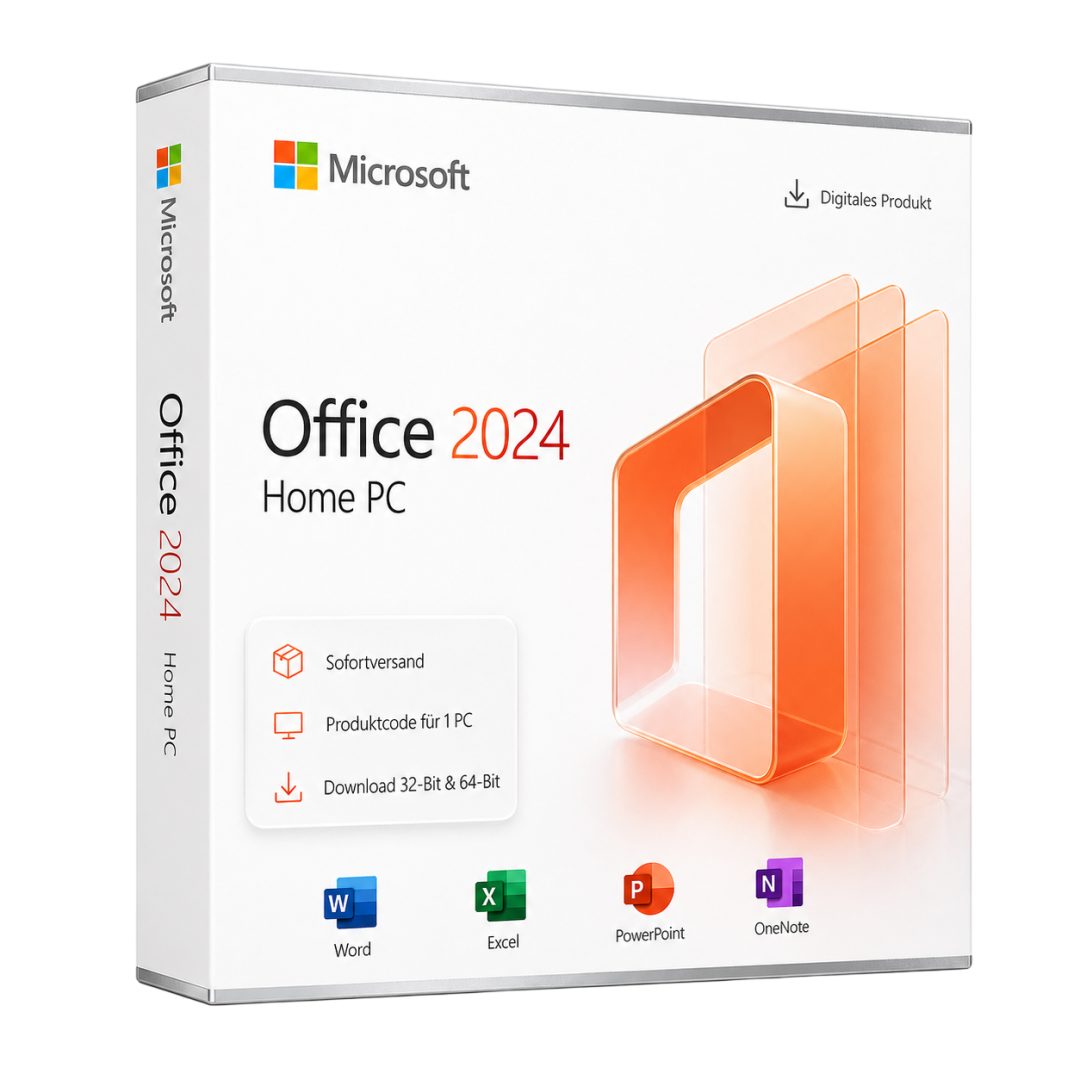
Microsoft Office 2024 Home PC is a powerful software solution targeting personal users. This edition offers a range of applications designed for the creation and editing of documents, spreadsheets, and presentations. With Microsoft Office 2024, users can boost productivity and complete daily tasks more efficiently.
This software includes the latest versions of Word, Excel, PowerPoint, and Outlook, all designed to enhance usability and promote collaboration. The modern features and intuitive user interface empower users to execute their projects quickly and effortlessly.
Main Features
- Word: Create and edit text documents with extensive formatting options.
- Excel: Powerful spreadsheet capabilities with data analysis and visualization functions.
- PowerPoint: Create engaging presentations using various templates and design tools.
- Outlook: Manage emails, calendars, and contacts in one central location.
- Cloud Integration: Access documents from anywhere via OneDrive.
Who is this product suitable for?
Microsoft Office 2024 Home PC is aimed at personal users who require a comprehensive office solution for daily tasks.
- Students needing to create documents and presentations.
- Families looking to organize their daily activities.
- Freelancers who need to produce professional documents and reports.
Technical Details
| Property | Details |
|---|---|
| Manufacturer | Microsoft |
| Edition | Home |
| Version | 2024 |
| Platform | PC, Windows |
System Requirements
| Component | Requirement |
|---|---|
| Operating System | Windows 10 (Version 1909 or later) or Windows 11 |
| Processor | Dual-core processor with 1.6 GHz or faster (2.4 GHz recommended) |
| RAM | 4 GB (8 GB or more recommended) |
| Hard Disk Space | 4 GB available (10 GB recommended for updates) |
| Screen Resolution | At least 1280 x 768 pixels |
| Graphics | DirectX 9 compatible, WDDM 2.0 or higher |
| Internet Connection | Required for activation, updates, and cloud features |
Delivery and Activation
- Product Code Access: The digital product code will be sent via email upon payment confirmation and can also be accessed in your customer account (or guest portal).
- Download: Software download link will be provided after purchase.
- Activation Guide: A detailed step-by-step guide for activation will be sent via email and is available in the customer account/guest portal.
- Included: Product key, download link, activation guide.
- Note: This is a purely digital product without a physical medium (no USB stick, no DVD).
Frequently Asked Questions
How do I receive my product code?
The product code will be sent via email upon payment confirmation and is also available in your customer account (or guest portal for guests). The activation guide and download link are also provided there.
How does activation work?
Follow the supplied step-by-step guide. You will download the software and activate it using the product key received.
Note: technikcenter24.com operates as an independent retailer for software products. This specialization allows us to offer you original activation keys at particularly attractive prices.
Latest version
Benefit from current features and improvements.
Productive & efficient
Intuitive, fast and perfectly matched to your workflow.
Compatible
Fully compatible with current Windows versions.
Use offline
Work anytime without an internet connection.
Pay once
No subscriptions, no follow-up costs - the license is yours.
Secure activation
100% original - Microsoft-authorized and usable worldwide.
Shipping Costs: Free (Digital)
Delivery Contents: Product Code & Software Download
Condition: New
Availability: In Stock (Digital Delivery)
SKU: 196388411979
Article number: 309
Type: Product Code
Brand: Microsoft
Region:
 Global
Platform:
 PC
PC Windows
Important download information
All downloads provided here are trial versions until activation and require a valid license. Activate the software with your purchased product code, as described in the "Installation & Activation" tab.
No downloads are currently available for this product.
Installation & activation guide
Bedienungsanleitung – Office Installer Mit dem Office Installer können Sie schnell und einfach Microsoft Office, Project oder Visio in verschiedenen Versionen installieren.
Vorbereitung: Vorhandene Office-Versionen vollständig entfernen 💾 Download: Microsoft Fix-It Tool herunterladen 💡 'Tipp:' Führen Sie den Neustart unbedingt durch, bevor Sie eine neue Office-Version mit dem Installer installieren.
1. Download & Programmstart 💾 Download: MS Office Installer herunterladen: Download 2.
Produkt auswählen Microsoft Office (Standard oder Professional Plus) Microsoft Project (Standard oder Professional) Microsoft Visio (Standard oder Professional) 3.
Sprache festlegen 4.
Architektur wählen 64-Bit (empfohlen): für moderne Systeme 32-Bit: nur für ältere Geräte oder Add-ins Auto: erkennt automatisch die passende Variante 5.
Installation
starten 6.
Installation
abschließen 7.
Tipps & Hinweise Stellen Sie sicher, dass während der
Installation
eine stabile Internetverbindung besteht.
Schließen Sie alle offenen Office-Programme, bevor Sie die
Installation
starten.
Installieren Sie nur eine Office-Version pro Gerät, um Konflikte zu vermeiden.
Wenn Office nach der
Installation
nicht startet, führen Sie eine „Online-Reparatur“ über die Systemsteuerung aus.
Support Gewähltes Produkt (z.
B.
Office LTSC 2024 ProPlus) Sprache (z.
B. de-de) Architektur (x64 / x86 / Auto)
Installation
s-Log (letzte Zeilen mit ExitCode) Bestellnummer
Aktivierung
Ihres Produkts Produktschlüssel eingeben 💡 'Hinweis:' Ohne
Aktivierung
wechselt Ihre Office-Version nach etwa 14 Tagen automatisch in den Testmodus.
Nach erfolgreicher
Aktivierung
können Sie Ihr Antivirenprogramm wieder einschalten.
Some reviews may have been automatically translated.
No Reviews Yet
Write a Review
Product Description
Microsoft Office 2024 Home PC is a powerful software solution targeting personal users. This edition offers a range of applications designed for the creation and editing of documents, spreadsheets, and presentations. With Microsoft Office 2024, users can boost productivity and complete daily tasks more efficiently.
This software includes the latest versions of Word, Excel, PowerPoint, and Outlook, all designed to enhance usability and promote collaboration. The modern features and intuitive user interface empower users to execute their projects quickly and effortlessly.
Main Features
- Word: Create and edit text documents with extensive formatting options.
- Excel: Powerful spreadsheet capabilities with data analysis and visualization functions.
- PowerPoint: Create engaging presentations using various templates and design tools.
- Outlook: Manage emails, calendars, and contacts in one central location.
- Cloud Integration: Access documents from anywhere via OneDrive.
Who is this product suitable for?
Microsoft Office 2024 Home PC is aimed at personal users who require a comprehensive office solution for daily tasks.
- Students needing to create documents and presentations.
- Families looking to organize their daily activities.
- Freelancers who need to produce professional documents and reports.
Technical Details
| Property | Details |
|---|---|
| Manufacturer | Microsoft |
| Edition | Home |
| Version | 2024 |
| Platform | PC, Windows |
System Requirements
| Component | Requirement |
|---|---|
| Operating System | Windows 10 (Version 1909 or later) or Windows 11 |
| Processor | Dual-core processor with 1.6 GHz or faster (2.4 GHz recommended) |
| RAM | 4 GB (8 GB or more recommended) |
| Hard Disk Space | 4 GB available (10 GB recommended for updates) |
| Screen Resolution | At least 1280 x 768 pixels |
| Graphics | DirectX 9 compatible, WDDM 2.0 or higher |
| Internet Connection | Required for activation, updates, and cloud features |
Delivery and Activation
- Product Code Access: The digital product code will be sent via email upon payment confirmation and can also be accessed in your customer account (or guest portal).
- Download: Software download link will be provided after purchase.
- Activation Guide: A detailed step-by-step guide for activation will be sent via email and is available in the customer account/guest portal.
- Included: Product key, download link, activation guide.
- Note: This is a purely digital product without a physical medium (no USB stick, no DVD).
Frequently Asked Questions
How do I receive my product code?
The product code will be sent via email upon payment confirmation and is also available in your customer account (or guest portal for guests). The activation guide and download link are also provided there.
How does activation work?
Follow the supplied step-by-step guide. You will download the software and activate it using the product key received.
Note: technikcenter24.com operates as an independent retailer for software products. This specialization allows us to offer you original activation keys at particularly attractive prices.
Microsoft
Microsoft Office Home 2024 PC
PC, Windows - Lifetime license
Microsoft Office 2024 Home PC is a comprehensive software solution designed for personal use, catering to families and individuals. This edition includes a variety of applications suitable for creating docum...
$ 145,79
incl. 19% VAT · Digital Delivery
Brand:
Microsoft
Type:
code
Delivery:
Digital instant delivery
Region:
Global
- Lifetime license - no subscription, no follow-up costs
- For 1 PC - activation on one Windows device
- All Office apps in the latest version
- Instant email delivery with download link
- Regular security and quality updates
Can be activated in your region
Instant download
Digital product key
In Stock (Digital Delivery)
Delivery in 5 minutes







Secure payment & SSL encryption
artumos.com
57 Currently viewed
2 In carts