Product description
Product Description
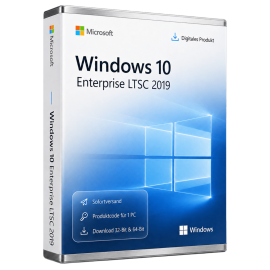
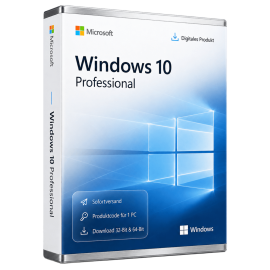
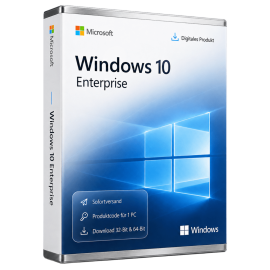
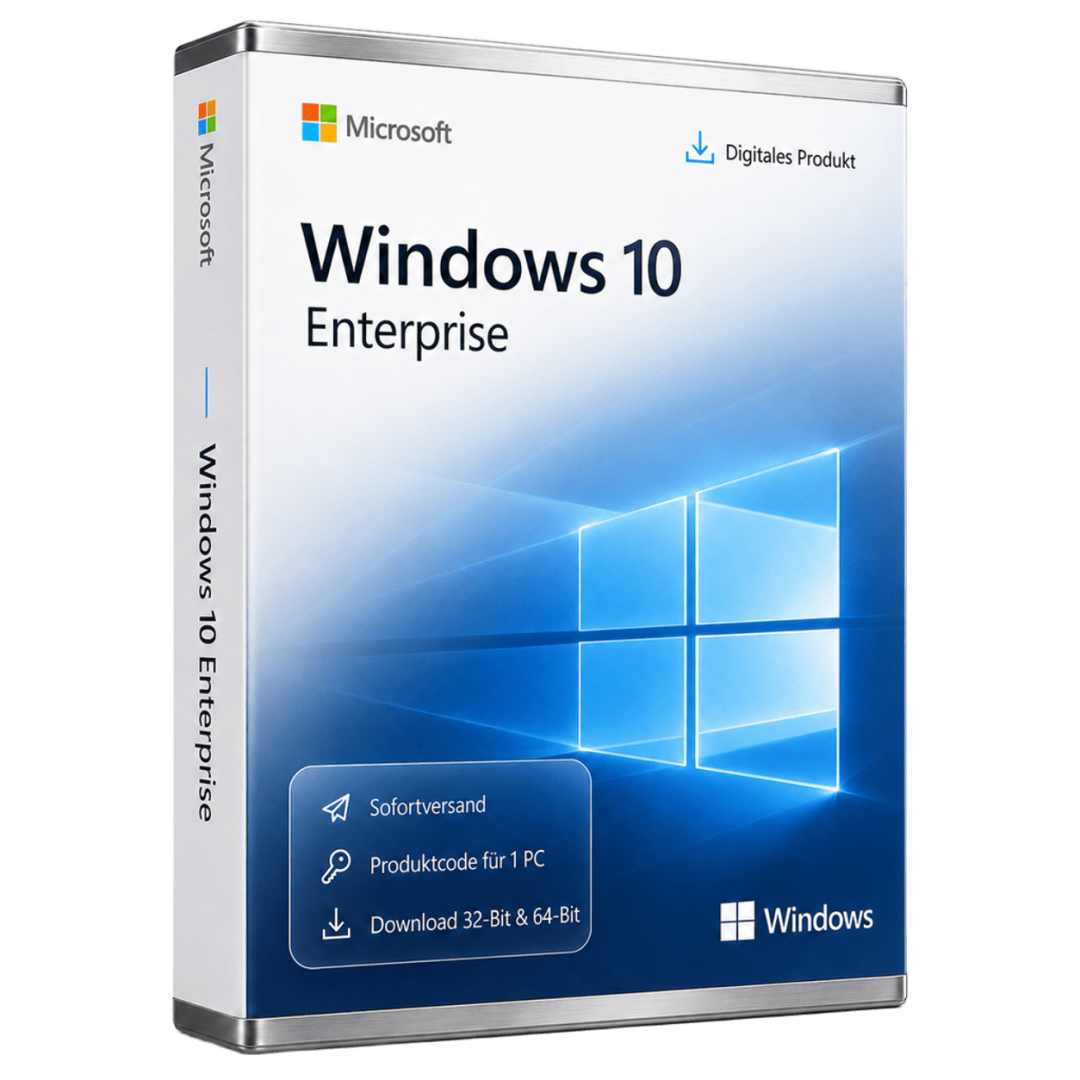
Microsoft Windows 10 Enterprise is the enterprise edition of the popular Windows 10 operating system, tailored for large organizations and businesses. This edition provides a wide array of features specifically designed to meet the security and management needs of enterprises. Windows 10 Enterprise addresses the challenges associated with managing corporate networks and securing sensitive data.
Windows 10 Enterprise is a retail product with a one-time payment model. This allows companies to install and utilize the software on their devices without worrying about recurring payments.
The edition includes numerous core features that assist businesses in efficiently managing their IT infrastructure while ensuring security. Notable features include advanced security solutions that enable organizations to protect their data and systems from threats.
Main Features
- Advanced security features such as Windows Defender Advanced Threat Protection
- Simplified management through Group Policies and Mobile Device Management
- DirectAccess for secure remote access to corporate resources
- Windows To Go for running Windows from USB devices
- App-V for application virtualization
Who Is This Product For?
Windows 10 Enterprise is designed for businesses and organizations that require advanced security and management functionalities.
- Large enterprises with complex IT infrastructures
- IT departments needing centralized management and security
- Organizations looking to support mobile employees
Technical Details
| Property | Details |
|---|---|
| Manufacturer | Microsoft |
| Edition | Enterprise |
System Requirements
| Component | Requirement |
|---|---|
| Device Type | PC (Desktop or Laptop) |
| CPU | 1 GHz or faster processor or SoC |
| RAM | 1 GB for 32-bit or 2 GB for 64-bit |
| Storage | 16 GB for 32-bit or 20 GB for 64-bit |
| Graphics | DirectX 9 or later with WDDM 1.0 driver |
| Display | 800 x 600 pixels |
| Note | Not suitable for Android devices, Mac, iOS, or other non-Windows systems |
Delivery and Activation
- Product Code Access: The digital product code will be sent via email after payment is confirmed and is also accessible in your customer account (or guest portal).
- Download: Software download link will be provided after purchase.
- Activation Guide: A detailed step-by-step guide for activation will be emailed and is available in the customer account/guest portal.
- Included: Product key, download link, activation guide.
- Note: Purely digital product with no physical media (no USB stick, no DVD).
Frequently Asked Questions
How do I receive my product code?
The product code will be sent via email after payment is confirmed and is also available in your customer account (or guest portal for guests). The activation guide and download link are also stored there.
How does activation work?
Follow the included step-by-step guide. You will download the software and activate it using the provided product key.
Note: technikcenter24.com operates as an independent retailer for software products. This specialization allows us to offer you original activation keys at particularly attractive conditions.
Latest version
Benefit from current features and improvements.
Productive & efficient
Intuitive, fast and perfectly matched to your workflow.
Compatible
Fully compatible with current Windows versions.
Use offline
Work anytime without an internet connection.
Pay once
No subscriptions, no follow-up costs - the license is yours.
Secure activation
100% original - Microsoft-authorized and usable worldwide.
Shipping Costs: Free (Digital)
Delivery Contents: Product Code & Software Download
Condition: New
Availability: In Stock (Digital Delivery)
SKU: 885370927085
Article number: 226
Type: Product Code
Brand: Microsoft
Region:
 Global
Important download information
All downloads provided here are trial versions until activation and require a valid license. Activate the software with your purchased product code, as described in the "Installation & Activation" tab.
No downloads are currently available for this product.
Installation & activation guide
Windows 10 Enterprise mit Rufus installieren
Voraussetzungen
- Windows 10 Enterprise ISO - Bitte aus dem Tab "Downloads" die geeignete Version herunterladen.
- Rufus → https://rufus.ie
- USB-Stick (mind. 8 GB, wird gelöscht)
USB-Stick mit Rufus erstellen
- Rufus starten
- USB-Stick anschließen
- In Rufus einstellen:
- Gerät: USB-Stick
- Startart: Datenträger oder ISO-Abbild
- Auswahl: Windows 10 Enterprise ISO wählen
- Abbild-Option: Standard (ISO-Abbild)
- Partitionsschema:
- GPT für UEFI
- MBR für Legacy/CSM
- Zielsystem: automatisch passend
- Dateisystem: NTFS
- Start klicken
- Abfrage bestätigen und warten, bis FERTIG
Installation starten
- PC neu starten und vom USB-Stick booten
- Windows-Setup startet
- Sprache und Tastatur wählen
- Jetzt installieren
- Produktschlüssel eingeben oder überspringen
- Windows 10 Enterprise auswählen
- Benutzerdefiniert wählen
- Ziel-Laufwerk auswählen:
- Für Neuinstallation vorhandene Windows-Partitionen löschen
- Weiter klicken und Installation abschließen
Aktivierung
Aktivierung während der Installation
- Im Setup bei Aufforderung Produktschlüssel eingeben
- Alternativ „Ich habe keinen Product Key“ wählen
- Installation abschließen
Aktivierung nach der Installation
- Einstellungen öffnen
- Update und Sicherheit → Aktivierung
- Product Key ändern wählen
- Gültigen Windows 10 Enterprise Key eingeben
- Aktivierung bestätigen
Aktivierung per Kommandozeile (optional)
- Eingabeaufforderung als Administrator starten
- Produktschlüssel setzen:
slmgr /ipk XXXXX-XXXXX-XXXXX-XXXXX-XXXXX
- Aktivieren:
slmgr /ato
- Aktivierungsstatus prüfen:
slmgr /xpr
Hinweis
- Internetverbindung für Online-Aktivierung erforderlich
Some reviews may have been automatically translated.
No Reviews Yet
Write a Review
Product Description
Microsoft Windows 10 Enterprise is the enterprise edition of the popular Windows 10 operating system, tailored for large organizations and businesses. This edition provides a wide array of features specifically designed to meet the security and management needs of enterprises. Windows 10 Enterprise addresses the challenges associated with managing corporate networks and securing sensitive data.
Windows 10 Enterprise is a retail product with a one-time payment model. This allows companies to install and utilize the software on their devices without worrying about recurring payments.
The edition includes numerous core features that assist businesses in efficiently managing their IT infrastructure while ensuring security. Notable features include advanced security solutions that enable organizations to protect their data and systems from threats.
Main Features
- Advanced security features such as Windows Defender Advanced Threat Protection
- Simplified management through Group Policies and Mobile Device Management
- DirectAccess for secure remote access to corporate resources
- Windows To Go for running Windows from USB devices
- App-V for application virtualization
Who Is This Product For?
Windows 10 Enterprise is designed for businesses and organizations that require advanced security and management functionalities.
- Large enterprises with complex IT infrastructures
- IT departments needing centralized management and security
- Organizations looking to support mobile employees
Technical Details
| Property | Details |
|---|---|
| Manufacturer | Microsoft |
| Edition | Enterprise |
System Requirements
| Component | Requirement |
|---|---|
| Device Type | PC (Desktop or Laptop) |
| CPU | 1 GHz or faster processor or SoC |
| RAM | 1 GB for 32-bit or 2 GB for 64-bit |
| Storage | 16 GB for 32-bit or 20 GB for 64-bit |
| Graphics | DirectX 9 or later with WDDM 1.0 driver |
| Display | 800 x 600 pixels |
| Note | Not suitable for Android devices, Mac, iOS, or other non-Windows systems |
Delivery and Activation
- Product Code Access: The digital product code will be sent via email after payment is confirmed and is also accessible in your customer account (or guest portal).
- Download: Software download link will be provided after purchase.
- Activation Guide: A detailed step-by-step guide for activation will be emailed and is available in the customer account/guest portal.
- Included: Product key, download link, activation guide.
- Note: Purely digital product with no physical media (no USB stick, no DVD).
Frequently Asked Questions
How do I receive my product code?
The product code will be sent via email after payment is confirmed and is also available in your customer account (or guest portal for guests). The activation guide and download link are also stored there.
How does activation work?
Follow the included step-by-step guide. You will download the software and activate it using the provided product key.
Note: technikcenter24.com operates as an independent retailer for software products. This specialization allows us to offer you original activation keys at particularly attractive conditions.
Microsoft
Microsoft Windows 10 Enterprise
Lifetime license
Microsoft Windows 10 Enterprise is a powerful version of the Windows 10 operating system, designed specifically for businesses and organizations. This edition offers enhanced security and management features...
$ 32,39
incl. 19% VAT · Digital Delivery
Brand:
Microsoft
Type:
code
Delivery:
Digital instant delivery
Region:
Global
- Lifetime license - no subscription, no follow-up costs
- For 1 PC - activation on one Windows device
- All Office apps in the latest version
- Instant email delivery with download link
- Regular security and quality updates
Can be activated in your region
Instant download
Digital product key
In Stock (Digital Delivery)
Delivery in 5 minutes







Secure payment & SSL encryption
artumos.com
36 Currently viewed
9 In carts